
To find your Sinch Account ID, take the following simple steps:
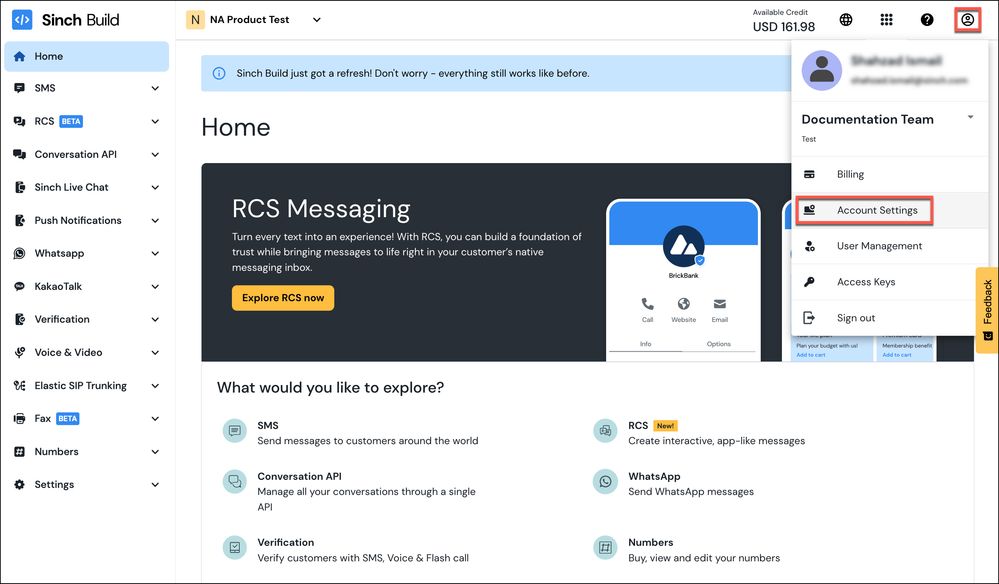
- Log in to the Sinch Build Dashboard and select your profile icon in the top right corner. Your profile menu is displayed:
Click the Account Settings option.
- The Account Settings page is displayed:
Your account ID is displayed in the Account name section (highlighted in blue above).

Comments
0 comments
Please sign in to leave a comment.