
To configure your time zone and date:
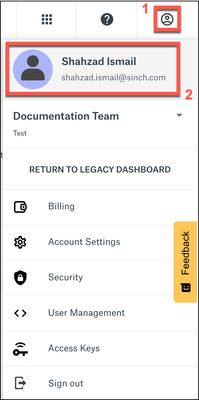
Log in to the Sinch Build Dashboard and select the User Profile icon from the top menu (1). The Settings menu is displayed:
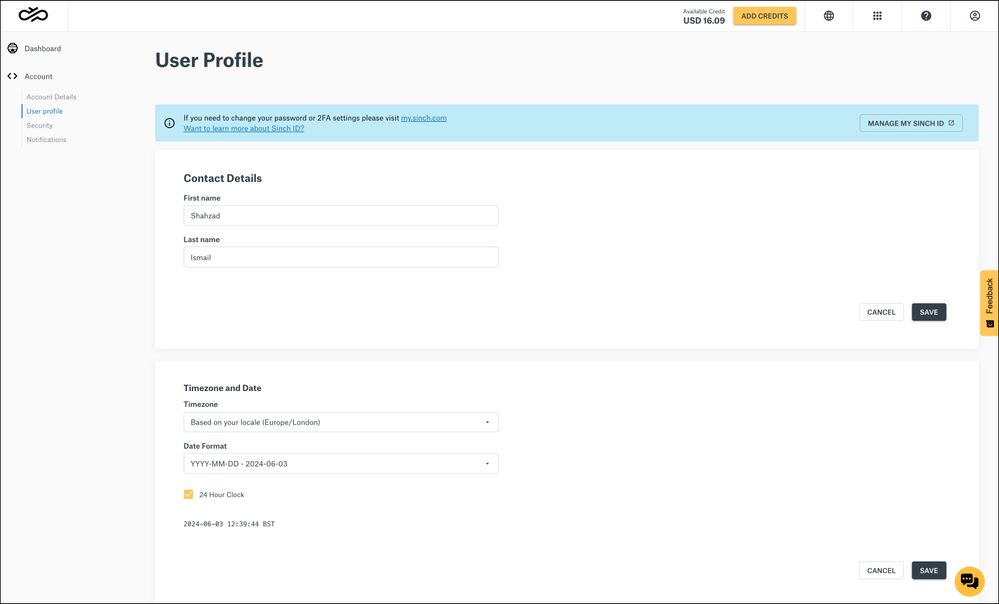
- Click your avatar icon or your user name (2). Your User Profile page is displayed:
To update your timezone, enter your new timezone details in the Timezone and Date section and click SAVE.
Comments
0 comments
Please sign in to leave a comment.