
To locate your Application Key and Secret, please log in to the Sinch Build Dashboard. Once logged in, you can access the Verification Apps page directly or navigate to the Apps section within the Verification drop-down in the panel located on the left side of the screen:

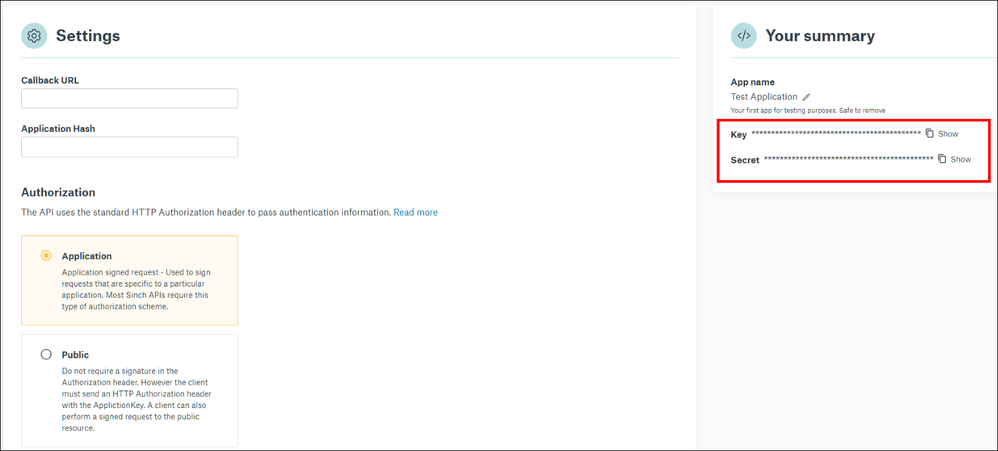
If you have only one App, as is the case for new accounts, you'll be directed to the App details page. The Application Key and Secret can be found in the Your summary section on the right-hand side of the page:
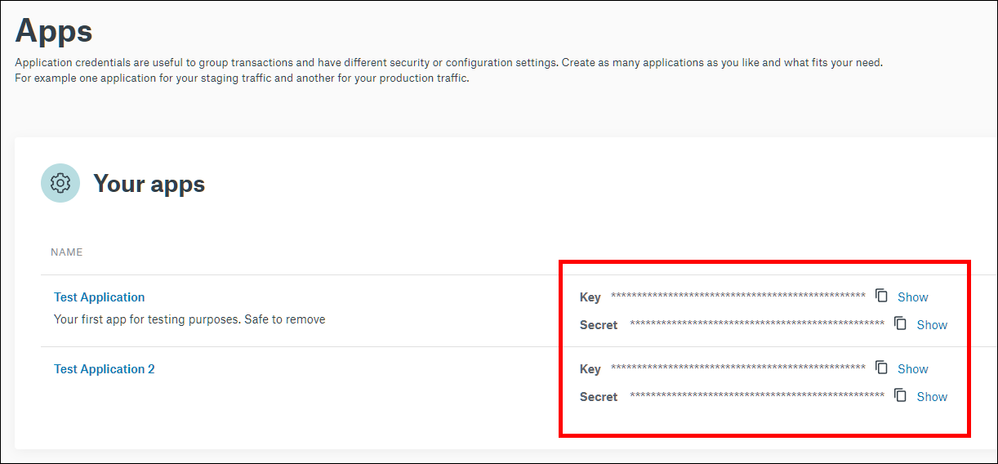
If you have multiple Apps you'll encounter a list of them in the Apps page. However, the Keys and Secrets can be accessed directly from this level. Alternatively, you can retrieve them from the details view of the respective Apps:
Comments
0 comments
Please sign in to leave a comment.