
To view your delivery reports using Connect, take the following steps:
- Launch Connect from the Sinch Build Dashboard.
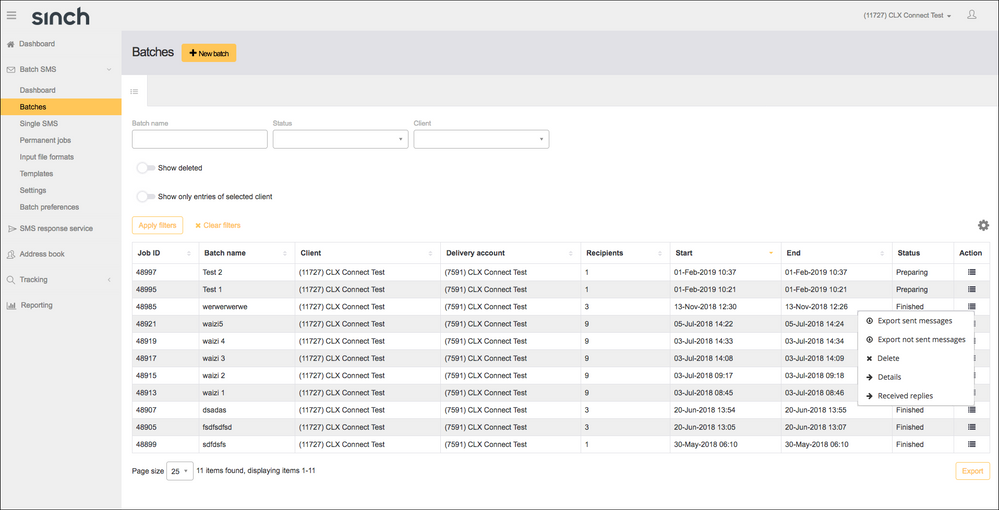
- Expand the Batch SMS menu item by clicking on the downward arrow to the right of Batch SMS.
- Click Batches.
- Here you will see all the Batches you have sent, click the icon under the Actions column for information on individual batches sent:
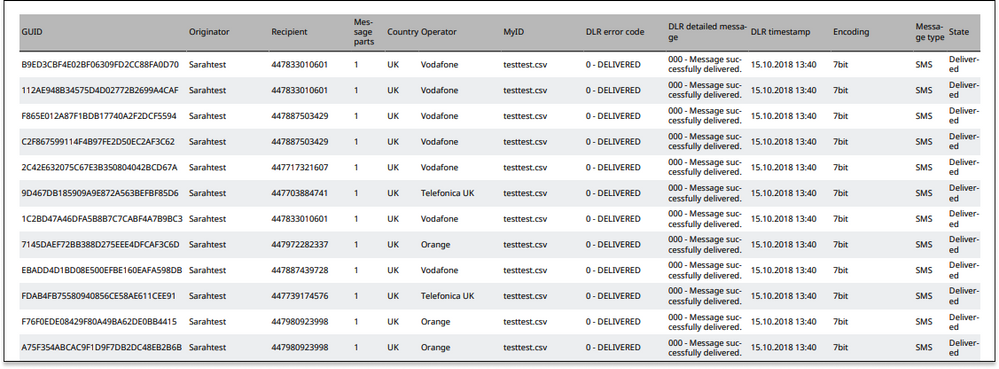
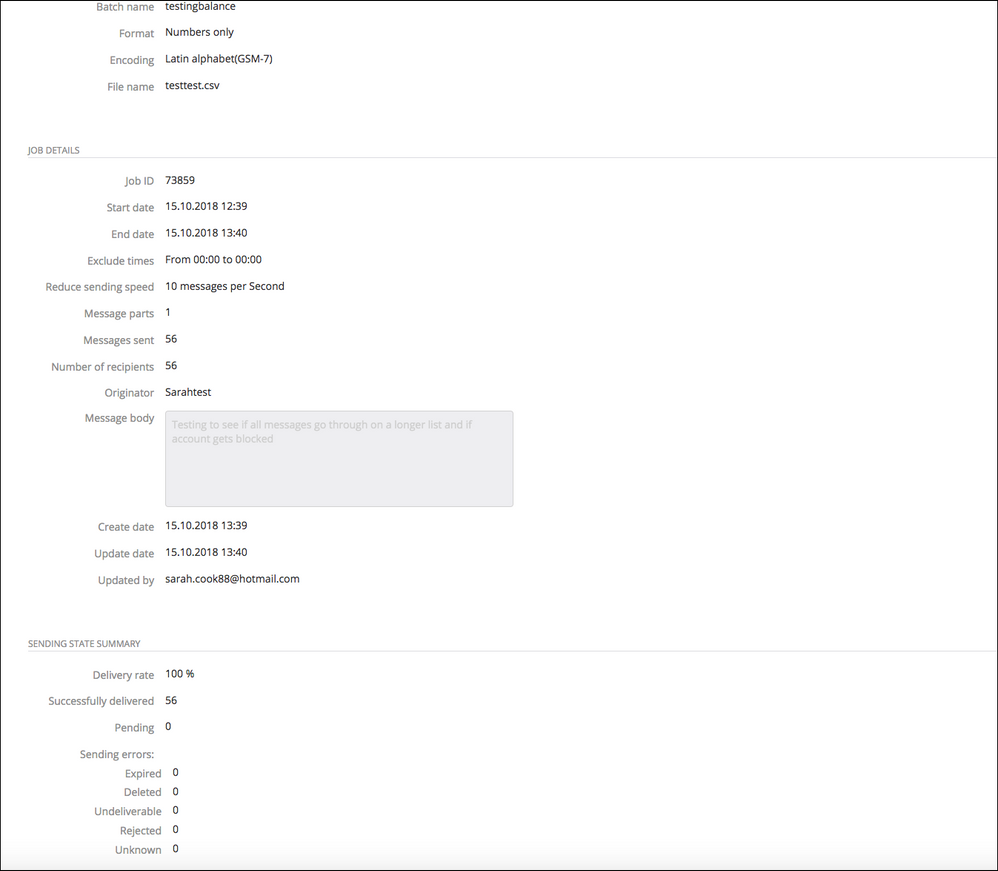
- You can Export sent messages to view individual delivery status, or click Details to see an overview including delivery rate:
Comments
0 comments
Please sign in to leave a comment.