
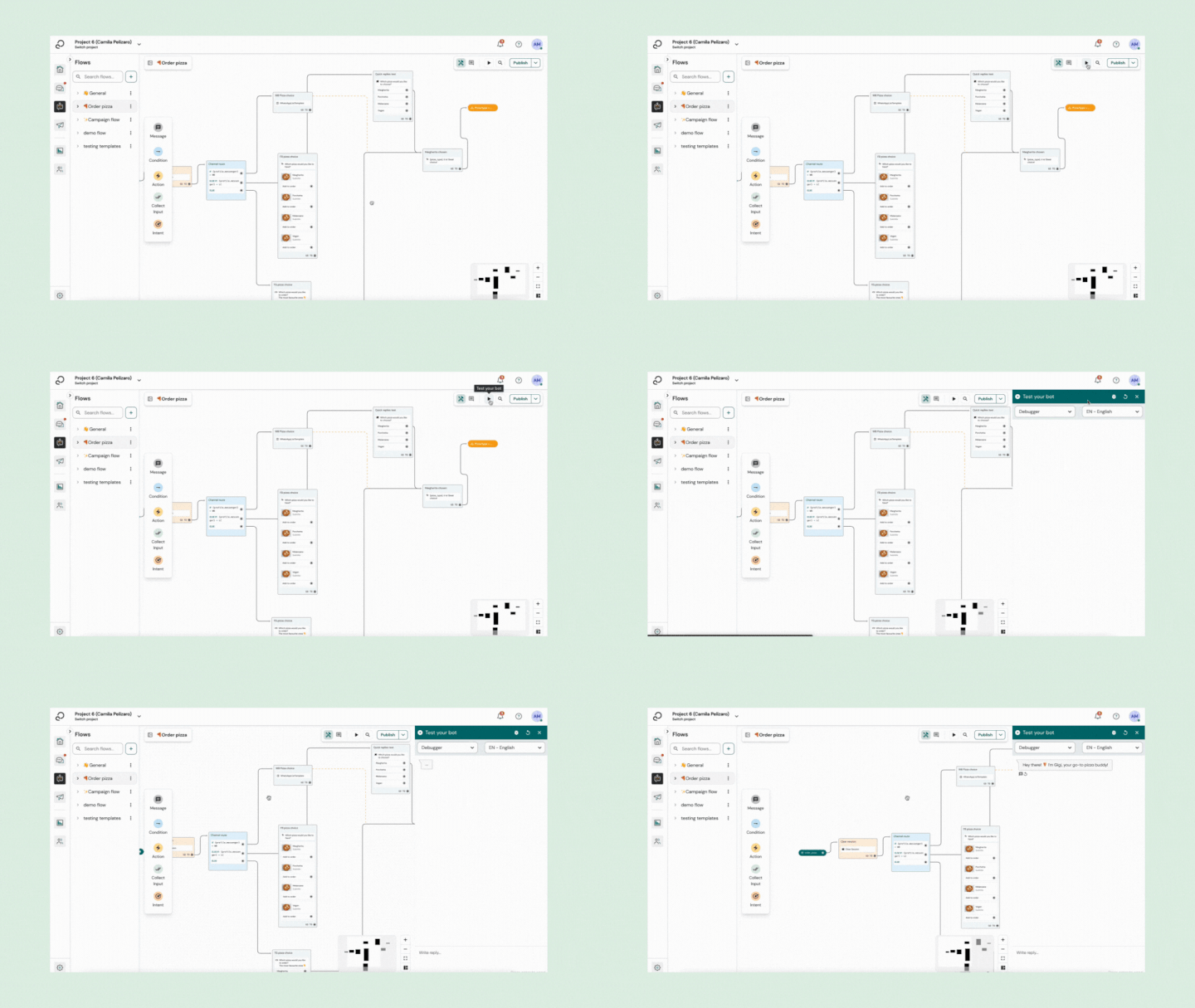
You should see 3 options under Test your bot:
- WhatsApp Sandbox: enables you to test your bot on a real WhatsApp channel.
- Debugger: showcases how your bot will behave in a web chat.
- Voice: Currently, this is not supported on Engage channel.
WhatsApp Sandbox
The WhatsApp Sandbox is for you to test your bot on a WhatsApp environment, without even setting up a WhatsApp channel. It's only there for demonstration purposes.
To test your bot on the WhatsApp Sandbox:
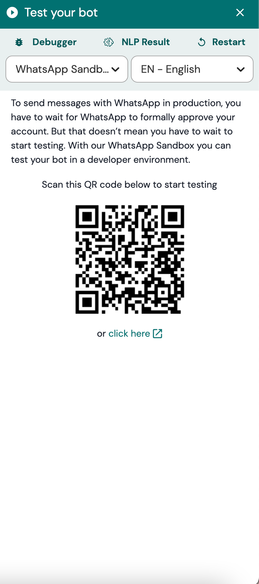
- On the upper-left corner of your Test your bot widget, select WhatsApp Sandbox.
- Scan the QR code on the screen with your phone.
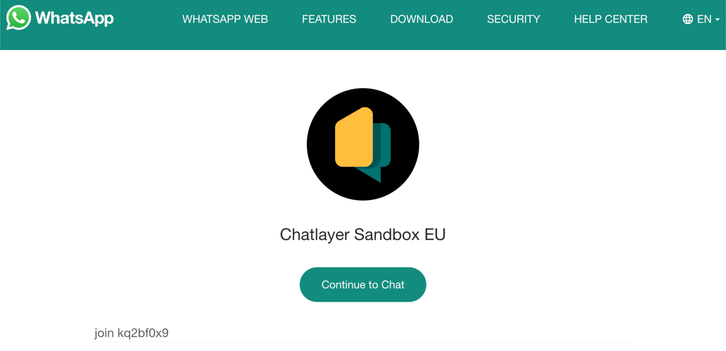
2. WhatsApp opens a new conversation with a pre-filled message. Send the pre-filled message. As soon as you send it, your WhatsApp number will be connected to that bot for the next 72h, or until you send 'STOP'.
3. Send a message to trigger it your bot and start chatting!
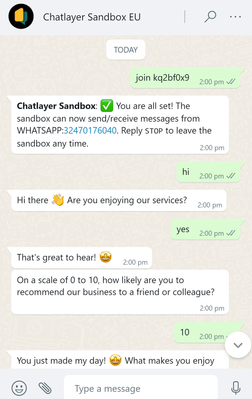
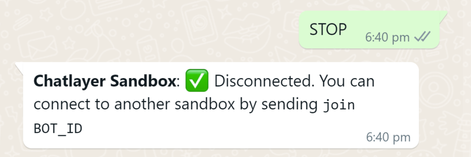
5. To disconnect from one bot and test another, send "STOP". You will receive a message confirming that your number was disconnected from that bot. You can connect to a different bot by sending another bot ID, for example "join xyz1234".
Comments
0 comments
Please sign in to leave a comment.