
In Sinch Engage Classic, you can show the customer a piece of text in the chatbot by adding a Text step.
To add a text message to your bot:
- Drag and drop any block to the canvas.
- Under Add steps, select Message.
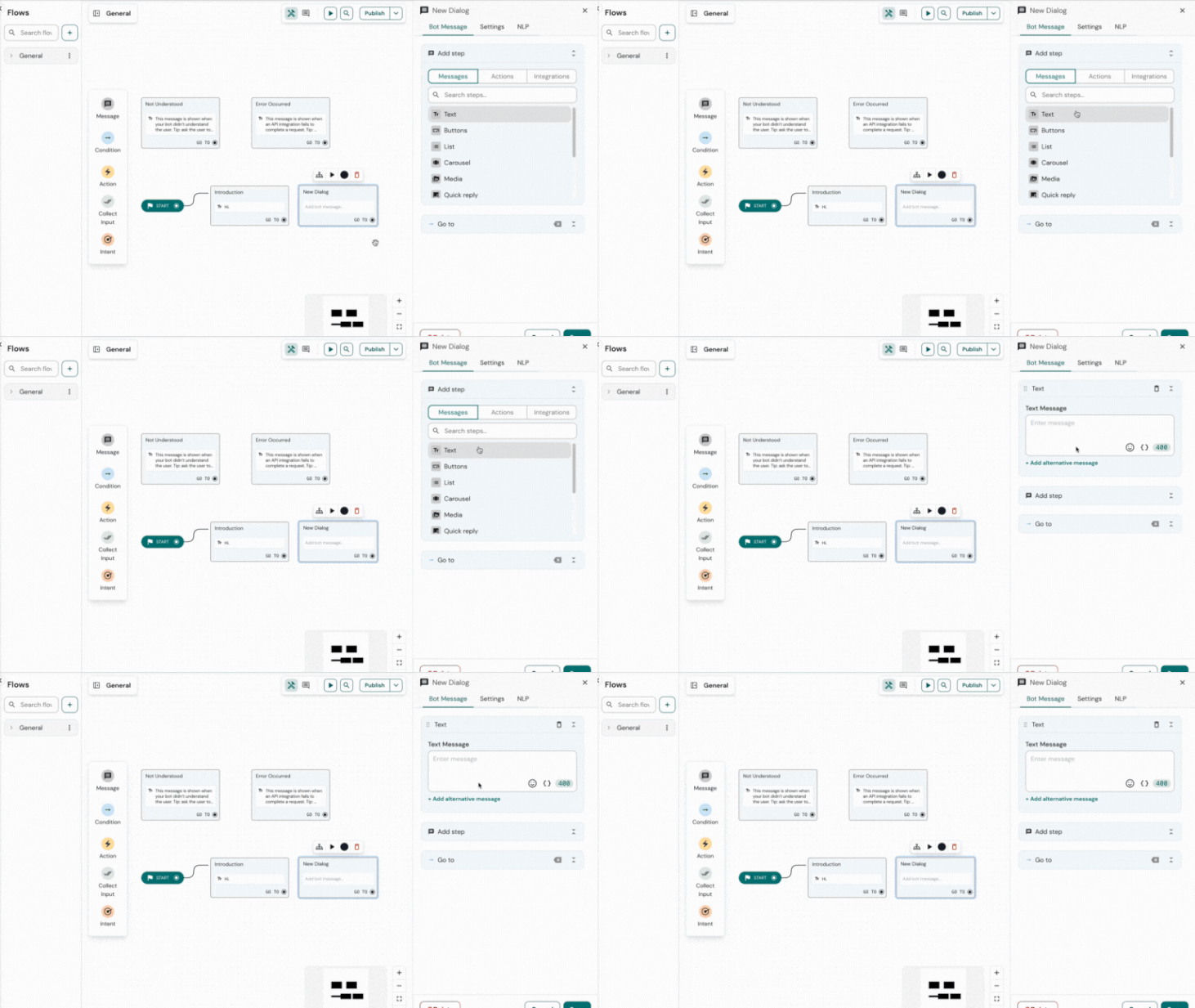
3. In the text field, enter the text you want the customer to see.
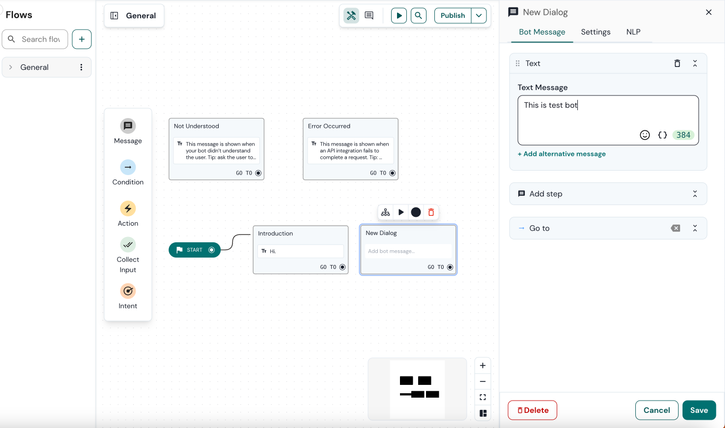
4. Click Save to save the changes.
Comments
0 comments
Please sign in to leave a comment.