
Note: This article is intended for customers who have access to the following options in the Campaigns menu: Newsletter and Settings options.
You can delete newsletters that are in Draft or Scheduled status, but not ones in Published status. Deleting a newsletter means all settings related to it will be erased. You can't undo a deletion.
To delete a newsletter:
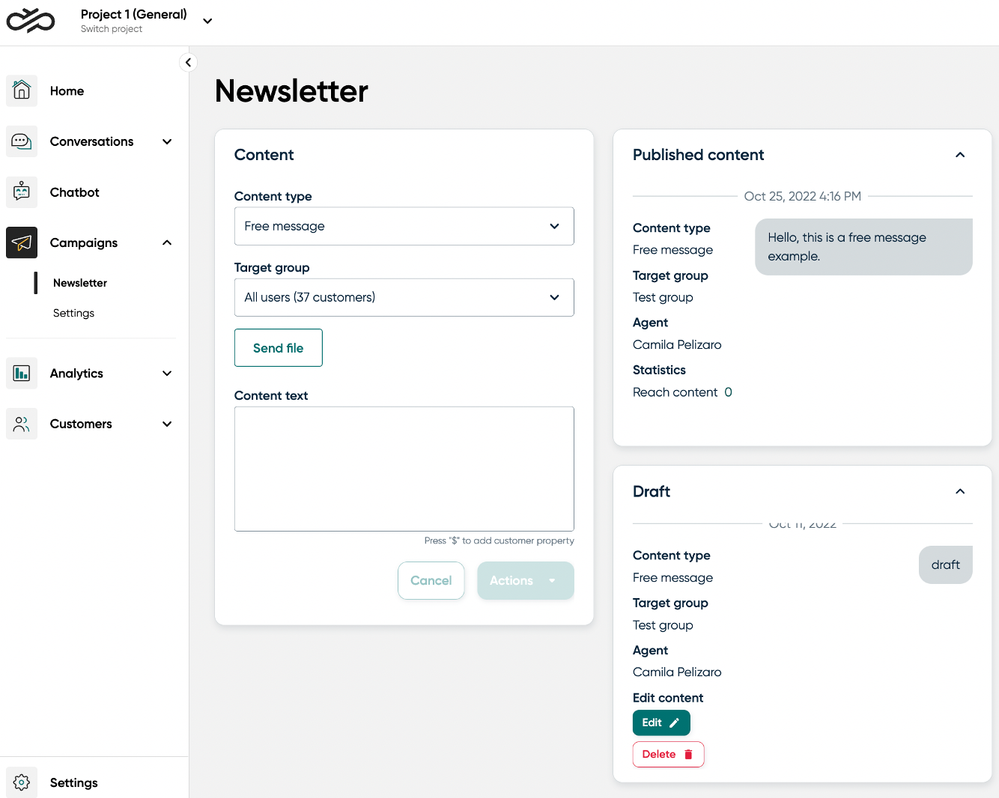
- Go to Campaigns > Newsletter.
- In the Draft or Scheduled content panel, scroll to the newsletter you want to delete.
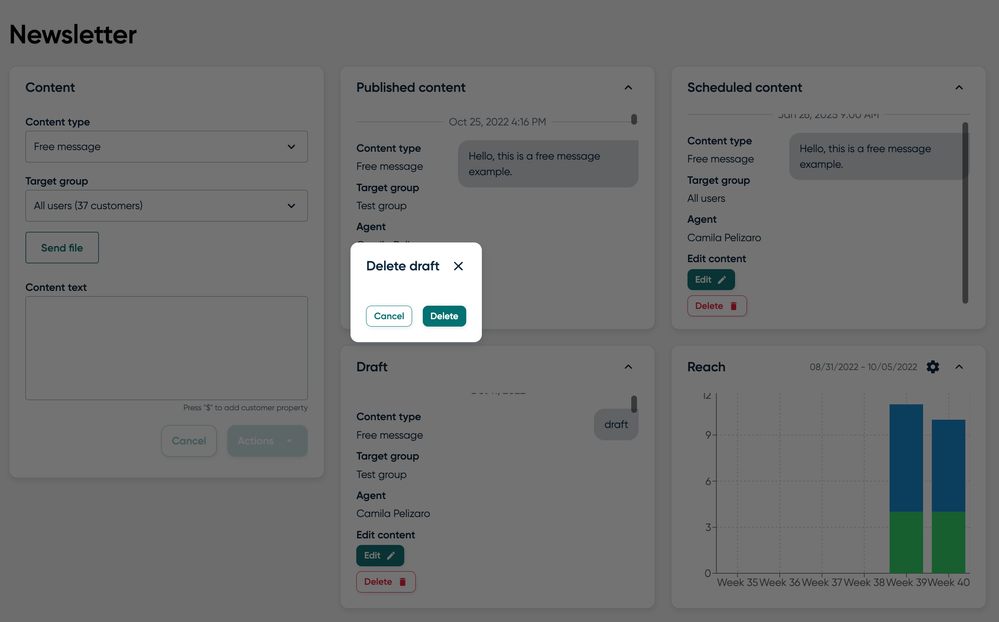
- When you find the newsletter, click on the Delete button below it.
A popup opens for you to confirm you want to delete the newsletter.
- Click Delete.
The newsletter is deleted from Engage.
Comments
0 comments
Please sign in to leave a comment.